Gamejam
A downloadable app for Windows, macOS, and Linux
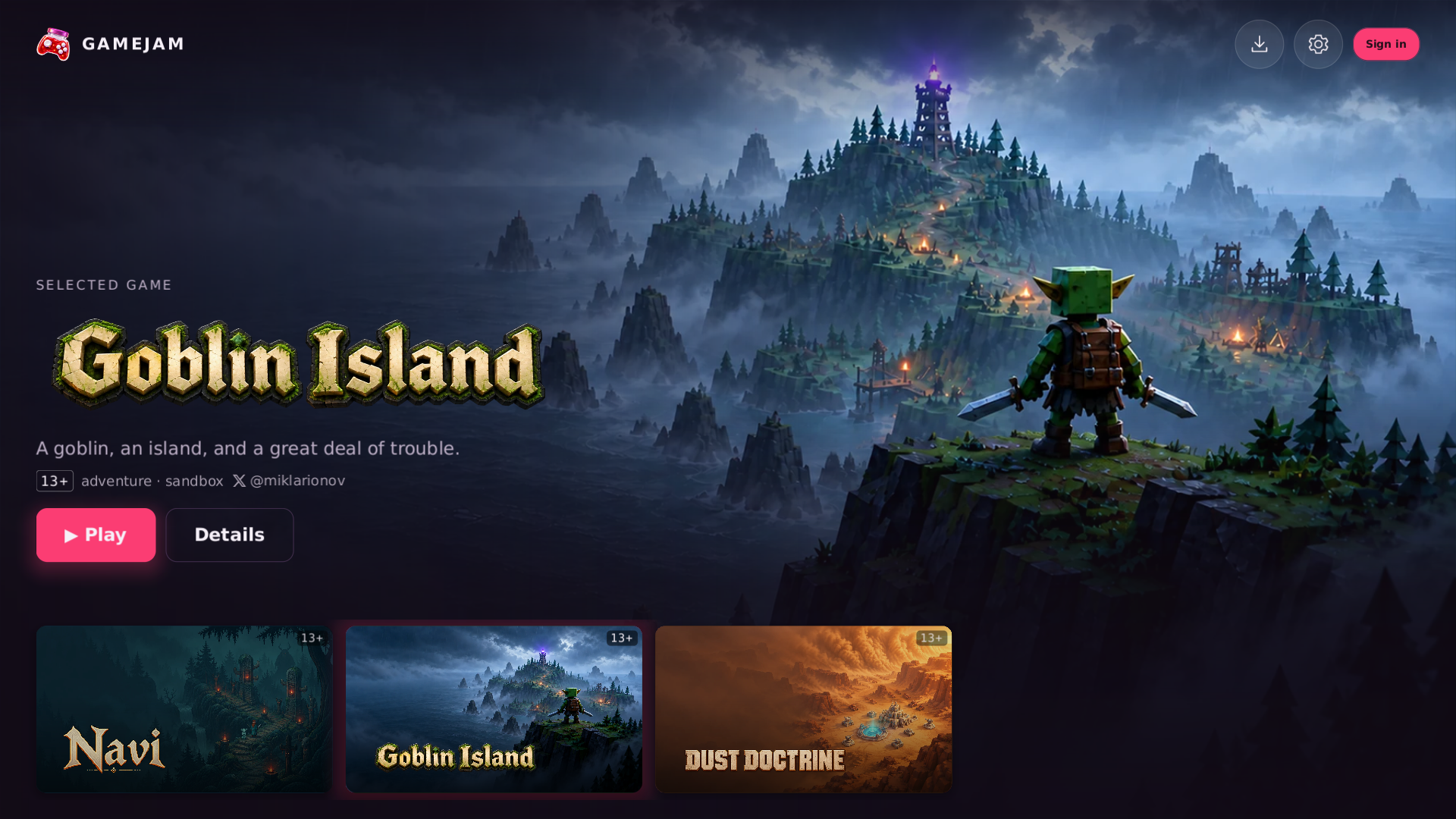
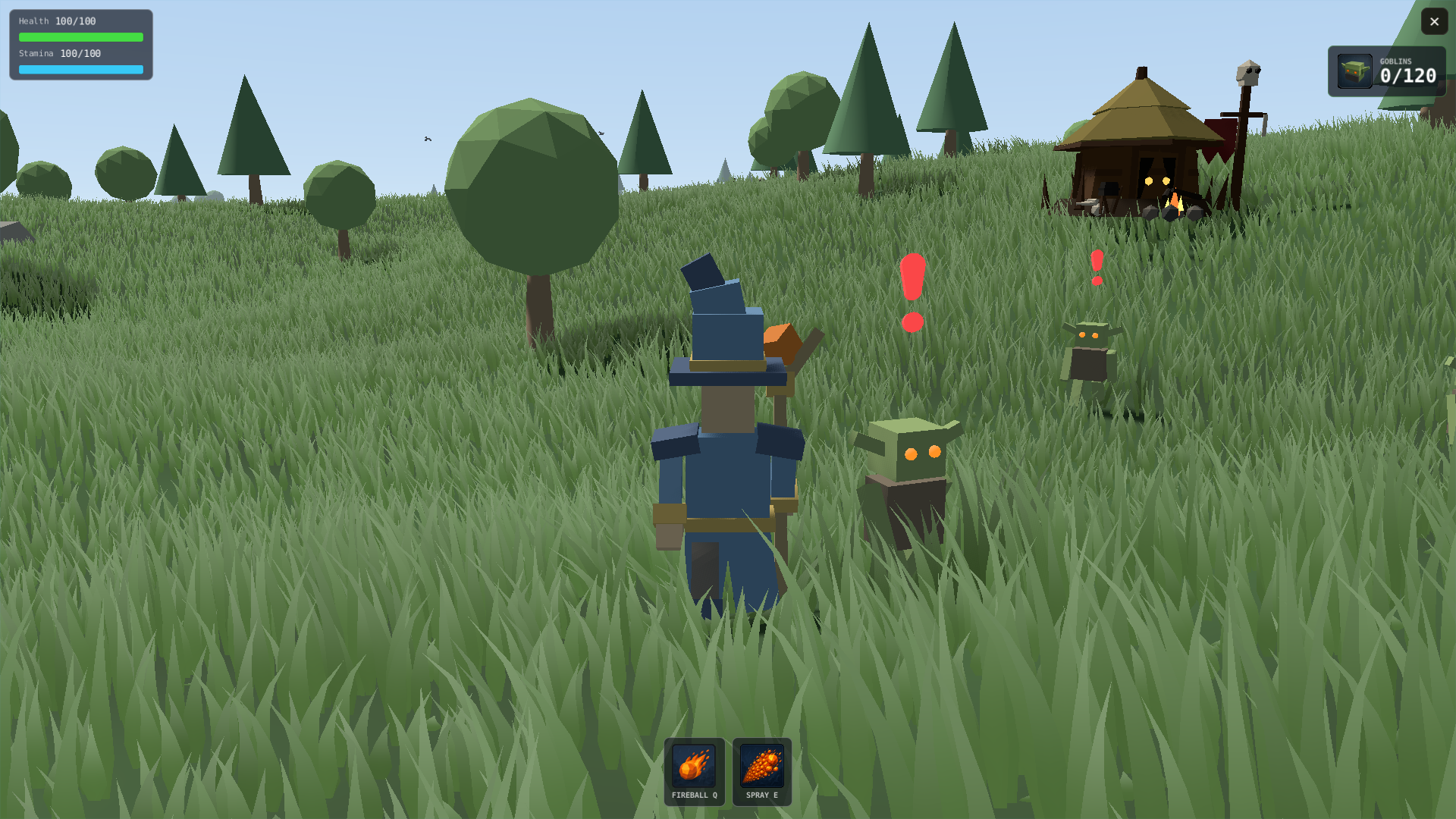
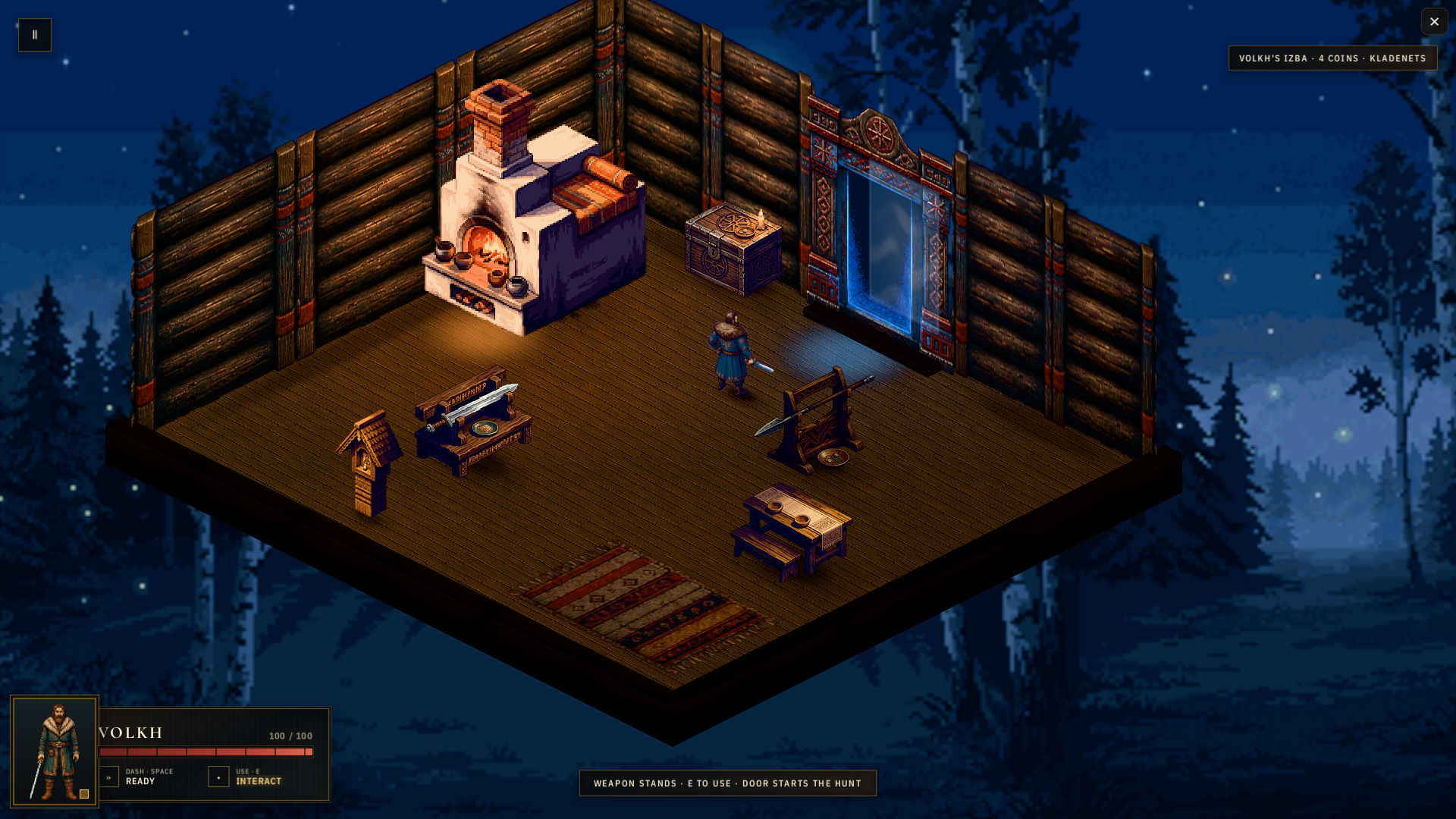
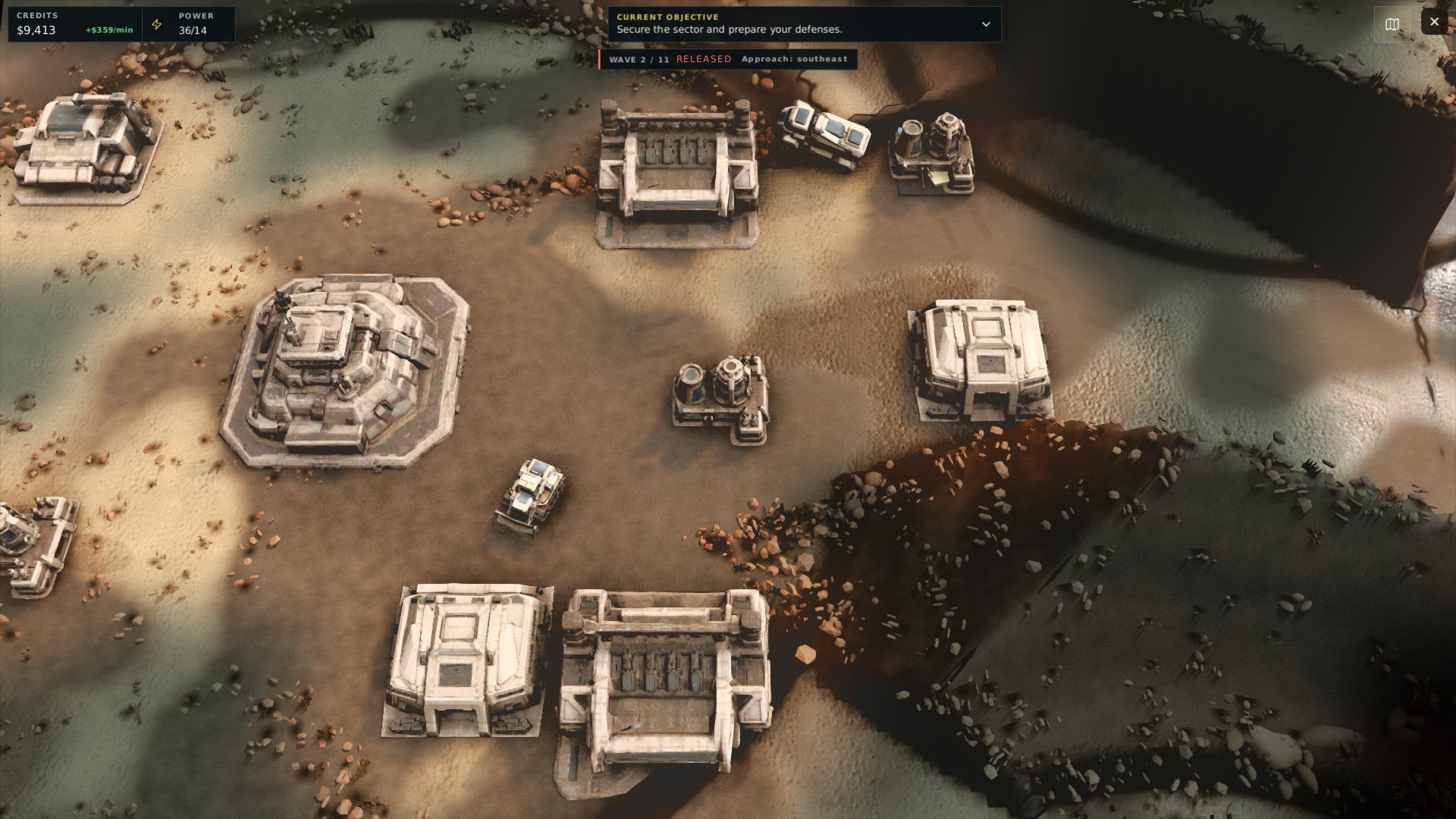
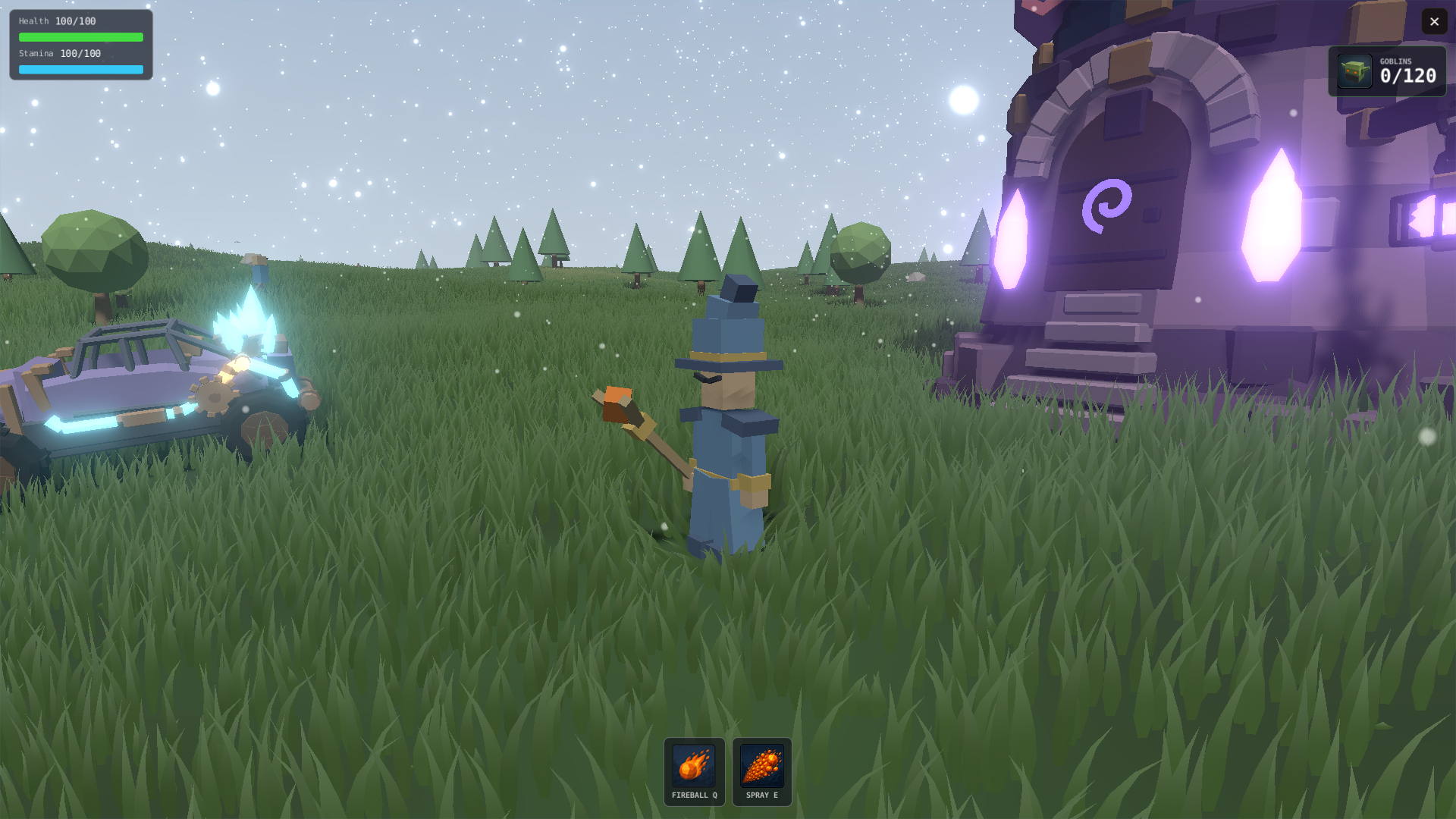
Gamejam is a free console of small, handmade games: one app that holds a growing library of hand-picked titles, from our own team and from independent developers.
No storefront maze, no ads, and nothing to buy. Open the app, pick a game, and you're playing in seconds.
ALWAYS SOMETHING NEW
The catalogue grows on its own. New games arrive straight into the app, ready to download; update installed games when you choose.
A CURATED LIBRARY
Every game earns its place. Hand-picked, carefully polished, and only shipped if we'd play it ourselves - a game shelf, not an endless feed.
CONTROLLER OR KEYBOARD
Every screen, every game and every text field works from the couch: full controller support, with an on-screen keyboard for typing. Mouse and keyboard work just as well.
YOURS, ANYWHERE
No sign-in needed: games you've installed keep working even when you're offline.
FREE MEANS FREE
No ads. No in-app purchases. No energy meters or timers. Just games.
WE'RE LISTENING
Gamejam is made by a small team that reads everything. Share your thoughts right from the app, join us on Discord at https://discord.gg/RSUT9usrX7, or visit https://gamejam.mx
Download
Install instructions
Windows
Needs Windows 10 or 11, 64-bit (x64), or Windows 11 on ARM, and a GPU with Direct3D 12 support.
Install with the itch app, or download the zip for your PC (x86_64, or aarch64 for Windows on ARM) and extract it anywhere — your Downloads or Documents folder is fine, no installer and no administrator rights needed. Then run Gamejam.exe.
Keep the folder path short, for example C:\Games\Gamejam: a folder buried very deep can exceed the Windows path length limit and the app will not start.
The build is not code-signed yet, so on first launch Windows SmartScreen may say "Windows protected your PC". Click More info, then Run anyway.
The folder is self-contained and can be moved after extraction; it already includes the Visual C++ runtime, so nothing else needs to be installed. Saves, installed games and logs are kept outside it, under %LOCALAPPDATA%\THGames, so you can delete or replace the folder without losing anything.
macOS
Needs macOS 15 or newer, on Apple Silicon or Intel.
Install with the itch app, or download the zip, extract it and drag Gamejam.app into your Applications folder. Then open it like any other app.
The app is signed and notarized by Apple, so macOS opens it without extra steps. Saves, installed games and logs are kept outside the app, so you can replace or delete it without losing anything.
Linux
x86-64 needs glibc 2.30 or newer: Ubuntu 22.04+, Debian 12+, Linux Mint 21+, Fedora, current rolling distributions and Steam Deck. The ARM64 (aarch64) download needs glibc 2.39 or newer: Ubuntu 24.04+ or Fedora 40+. You also need a Vulkan-capable GPU with working drivers, and an X11 or Wayland desktop.
Download the archive for your CPU (x86-64, or aarch64 for ARM64) and extract it anywhere — your home directory is fine, no installer and no root needed. Then run launch.sh from the extracted folder:
./launch.sh
If your unzip tool dropped the executable bit, restore it first:
chmod +x launch.sh Gamejam seed/entry-v1 seed/game_catalogue
The folder is self-contained and can be moved after extraction. Saves, installed games and logs are kept outside it, under your user state directory, so you can delete or replace the folder without losing anything.
Optional: run ./install-desktop.py once to add Gamejam to your application menu with its icon and artwork.
Steam Deck: do all of this in Desktop Mode — download, extract, and run ./launch.sh the same way. To reach it from Gaming Mode too, add it to your Steam library while still in Desktop Mode:
python3 install-desktop.py --steam --restart-steam
That registers the entry with its library artwork. It only works in Desktop Mode: in Gaming Mode Steam is the session and will not exit, so the command declines and changes nothing. Once registered, the entry launches from Gaming Mode like any other game.
All platforms
The app updates itself: when a new version is out, it downloads it in the background and switches to it the next time you start it.
The app ships with an empty library and downloads games itself, so the first launch needs an internet connection.
Also available on